TutorDesk is an offline-first Android app for private tutors, home tutors and coaching centres. Manage students, batches, attendance, fees, exams, expenses and reports — without internet, without login, without paperwork.
"Spend less time on paperwork and more time teaching."
From a single home tutor to a multi-batch institute — track who showed up, who paid, who's due and how everyone is performing, all in one place.
Full student profiles — contact, guardian details, academic info, photo and status. Find anyone instantly by name, mobile or ID.
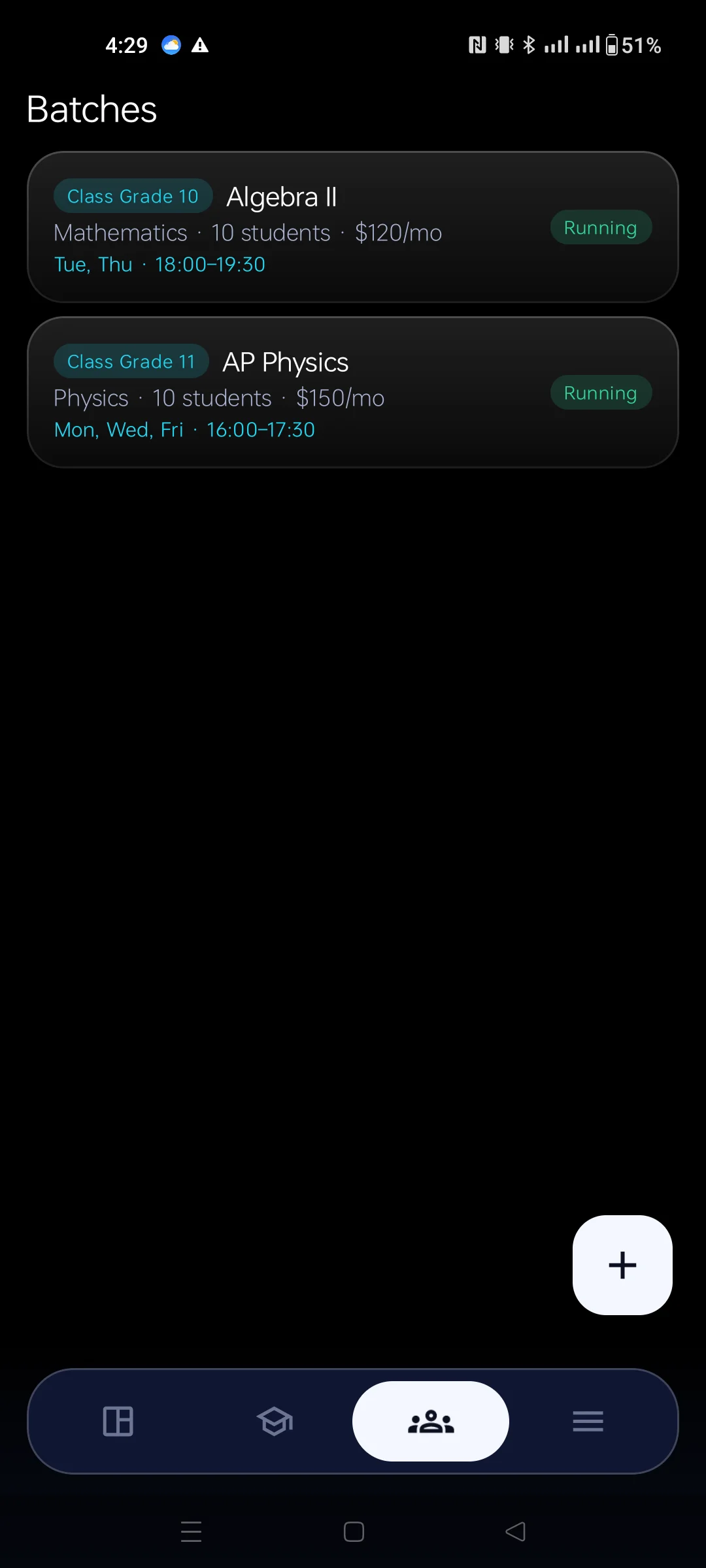
Create batches with subject, schedule and monthly fee. Enrol, transfer or remove students and track running vs completed batches.
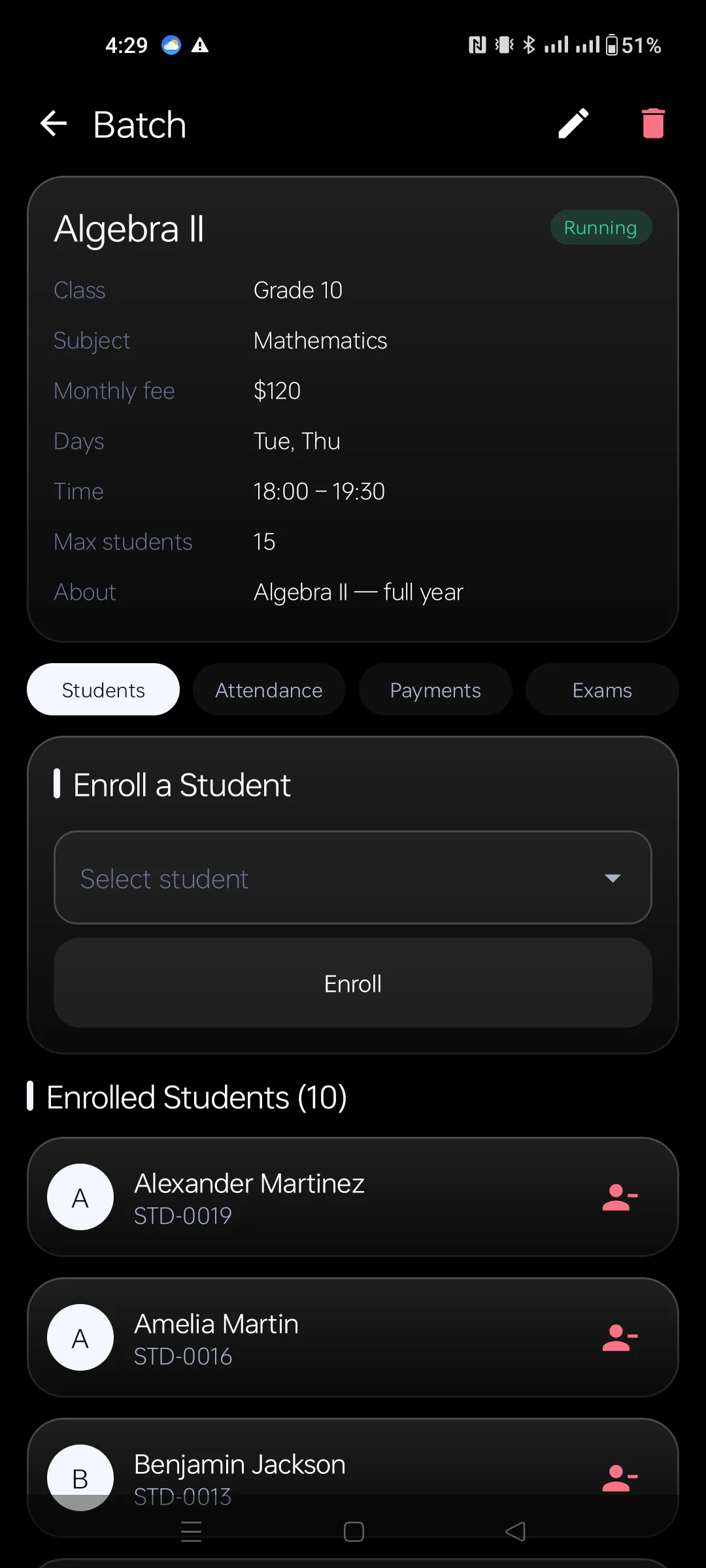
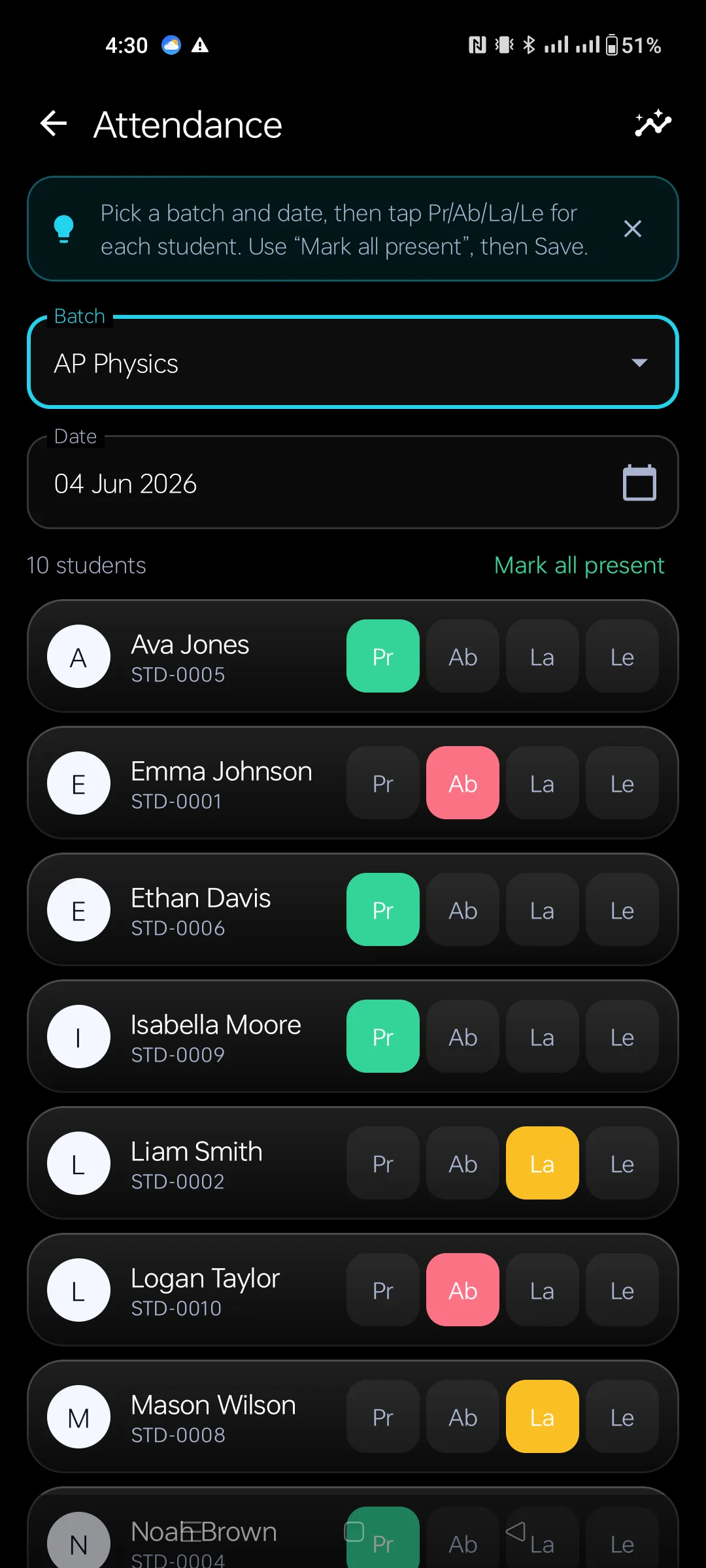
Mark Present, Absent, Late or Leave batch-wise in seconds. Bulk "all present" then fix the exceptions, with daily, weekly and monthly reports.
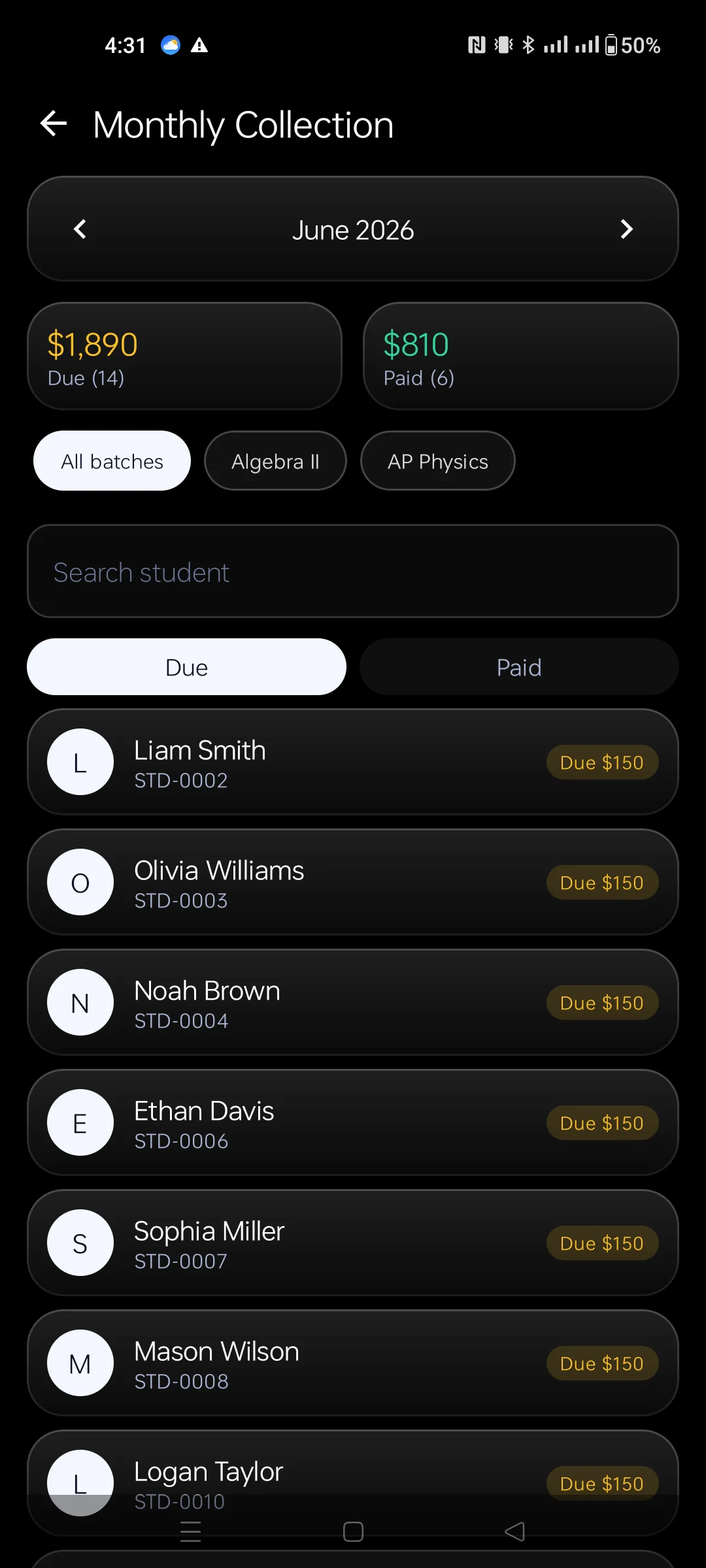
Record payments by Cash, bKash, Nagad, Rocket or bank. Dues are calculated automatically, with shareable printable receipts.
Create tests, enter marks and auto-calculate percentage, grade and position. Generate result sheets and a merit list, share as PDF.
Student, batch and financial reports — attendance %, income, expenses and net profit. Know exactly how the centre is doing.
Log rent, salaries, electricity, marketing and more by category. See real profit instead of guessing, with monthly and yearly views.
Assign homework with due dates and track submission status. Post general, exam, fee or holiday notices for the whole centre.
Plan batches by date and time and view everything in a daily, weekly or monthly calendar so no class is double-booked.
Export an AES-256 encrypted backup (JSON / ZIP) you can store anywhere, and restore your entire database on a new device.
Premium dark design with smooth animations, configurable theme colour and adjustable text size for accessibility.
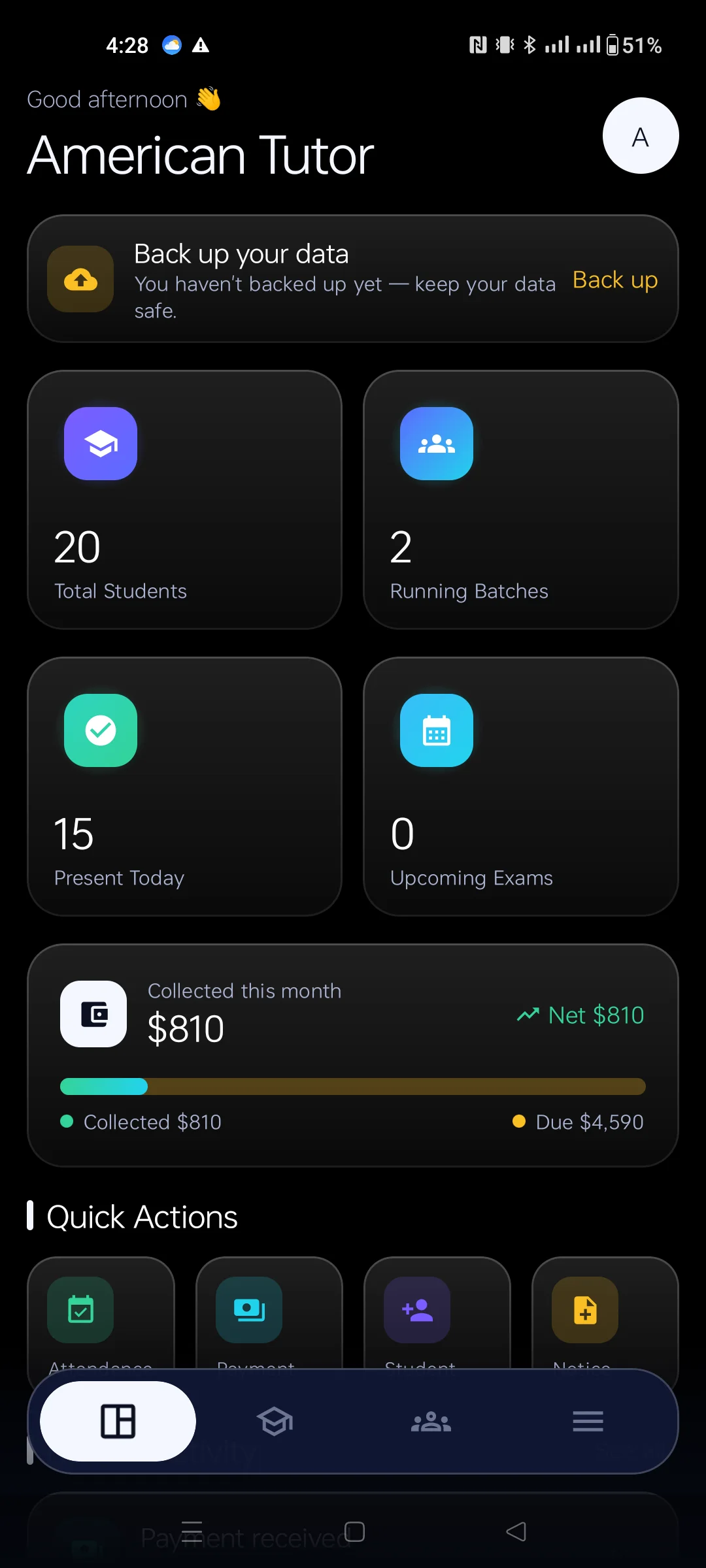
Dashboard overview
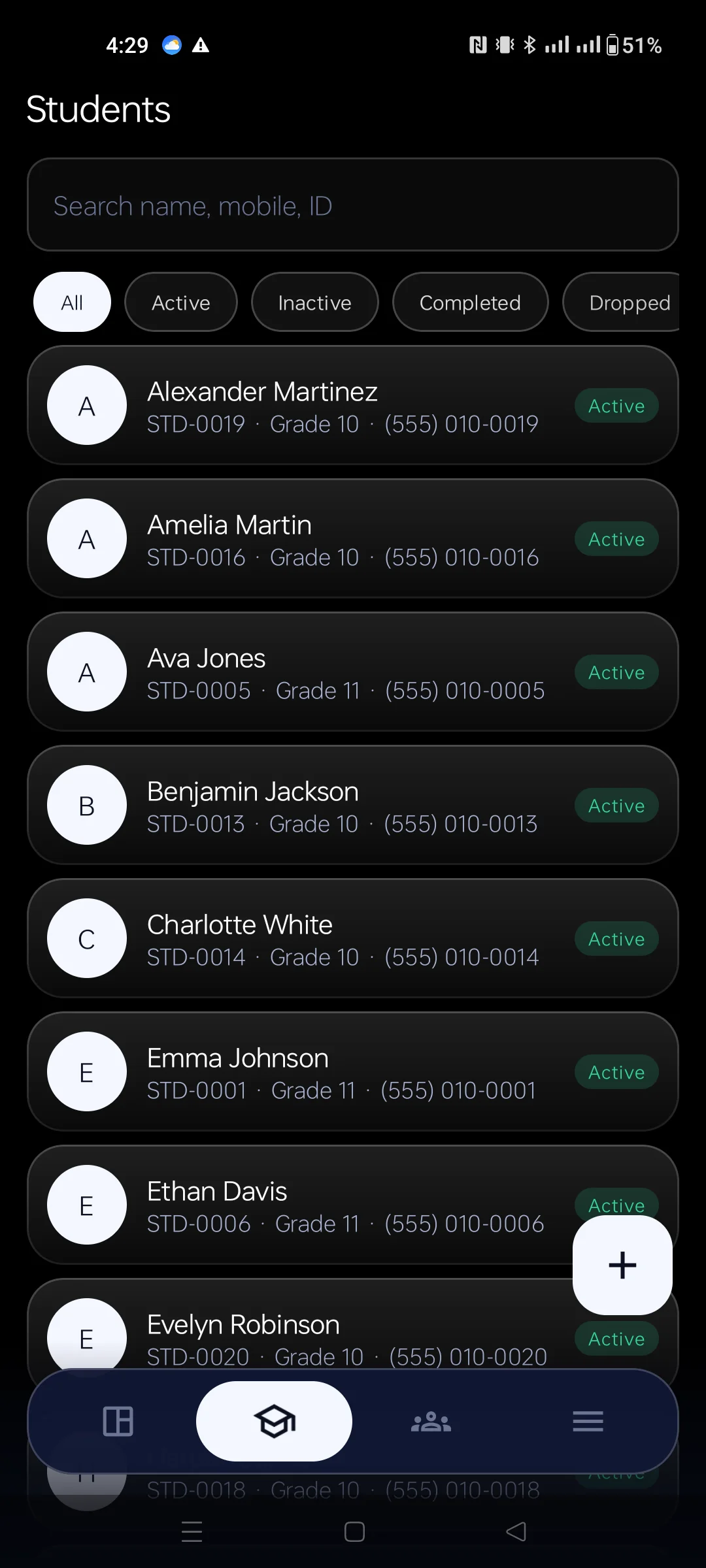
Students
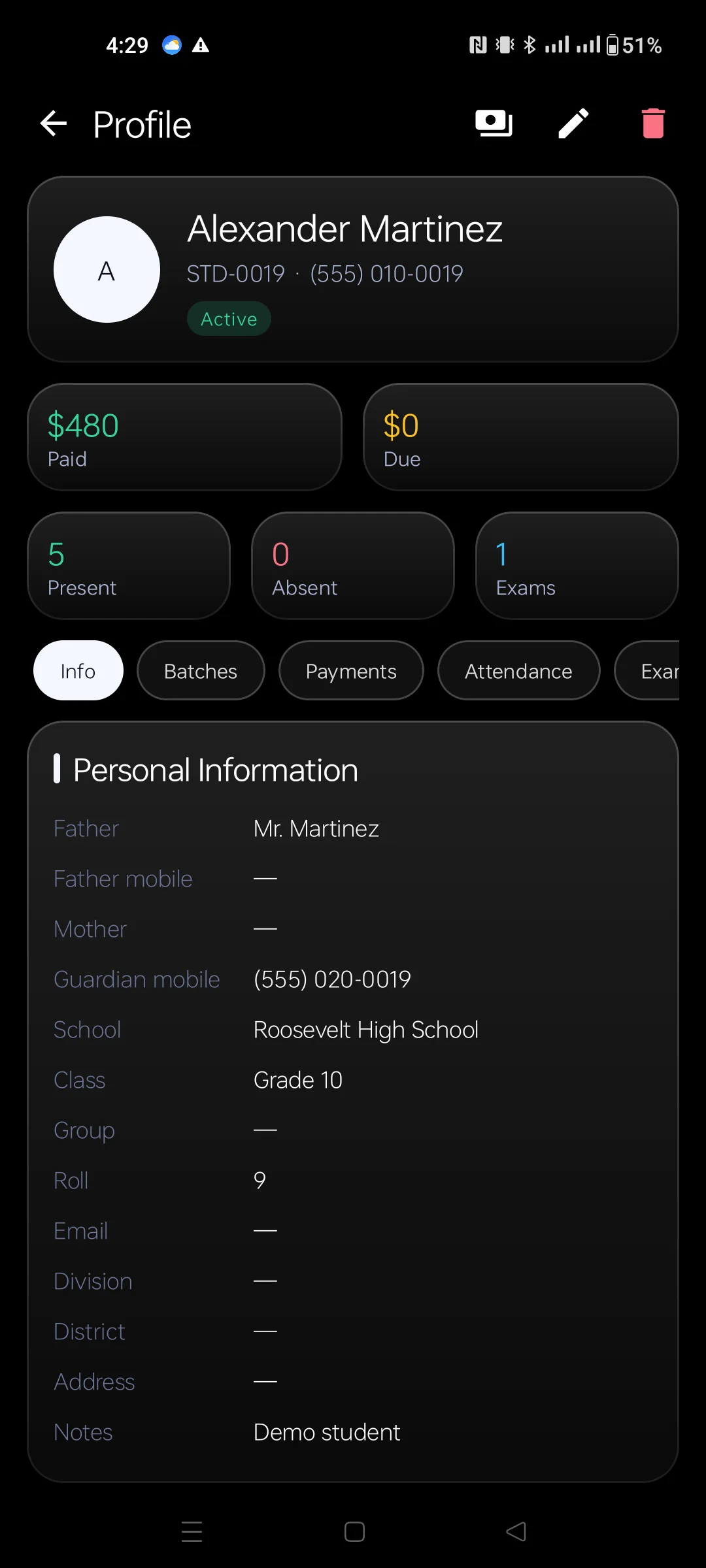
Attendance
Fees & dues
Batches
Exams & results
Reports
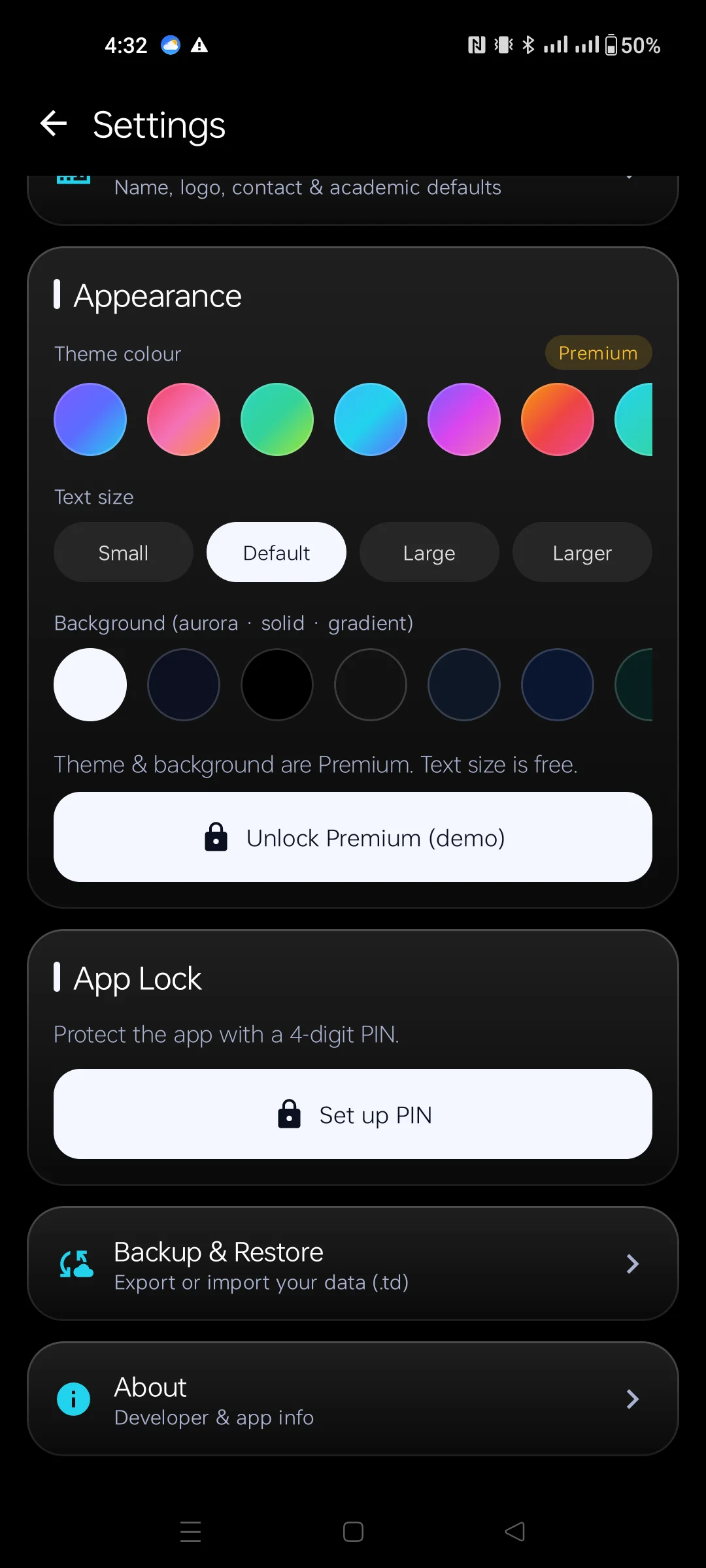
Appearance
No backend, no signup. Open the app and you're tracking your first batch within minutes.
No login needed — TutorDesk opens straight into your dashboard. Add your institute name and logo in settings.
Create batches with their fee and schedule, then enrol students with their contact and guardian details.
Take attendance, collect fees and record marks. Dues and results are calculated for you automatically.
Check reports and profit, then export an encrypted backup you can keep safe or move to a new phone.
Everything a small tutor needs is free. Premium is a single one-time purchase — no subscription — that removes ads and unlocks the full institute toolkit.
Try Premium free for a limited time when you first install. A low-cost Remove Ads option is available separately. Purchases are processed by Google Play.
No account, no sign-up to use your data. Your students' records stay on your device, in your control — internet is only for ads, backups and updates.
Your records never leave your device unless you export a backup. AES-256 encrypted backup files plus PIN and fingerprint App Lock keep data secure.
Clean navigation, large readable text and an adjustable font size. Designed for busy teachers, not technical users — get going in minutes.
Built sync-ready from day one. Cloud backup, multi-device sync and student/parent apps can arrive later without a rewrite or lost data.
No. TutorDesk is offline-first — all your work (students, attendance, fees, exams) runs without internet. A connection is only used to show ads in the free version, process purchases and check for updates.
No. There's no login or account system. The app opens straight into your dashboard and your data stays on your device.
Yes. Your records live in the app's private storage and never leave your device unless you export a backup. Backups are AES-256 encrypted, and you can lock the app with a PIN or fingerprint.
Free covers up to 50 students and 3 batches with attendance, fees, receipts, local backup and App Lock (supported by ads). Premium is a one-time purchase that removes ads and unlocks unlimited students, exams, expenses, reports, homework, notices, schedule and global search.
You can log fee payments as Cash, bKash, Nagad, Rocket or Bank Transfer. TutorDesk records the payment and calculates dues — it does not process the money itself.
Yes. The TutorDesk user manual walks through every screen in the order a tutor uses them — batches, students, attendance, fees, receipts, exams, backup and app lock — with real screenshots and the rules behind dues and attendance.
Yes. Export an encrypted backup (JSON or ZIP) from Settings, then import it on the new device to restore your entire database — students, batches, attendance, payments and more.
Download TutorDesk and run your tuition or coaching centre from your phone — offline, private and free to start.
Get it on Google Play