Arduino Remote Studio is a no-code remote control designer for Arduino, ESP32, ESP8266, Raspberry Pi and any device that speaks serial over Bluetooth (HC-05, HC-06) or WiFi. Drag a joystick, button or slider onto the canvas, type the command it sends — done.
"This is the controller every Arduino tutorial assumes you already have."
From a one-button LED toggle to a full robot cockpit with joysticks, gauges and macros — drag, drop and drive. No Android Studio, no XML, no keyboard.
Drag and drop buttons, joysticks, a 4-button D-pad (hold-to-ramp), sliders, toggles, multi-state cycling buttons, gauges, value displays and a serial monitor. Resize on the canvas, undo/redo every change — layouts scale to any screen and rotate live.
Pair with HC-05, HC-06 and ESP32 BT-Classic boards, or connect over TCP to ESP8266, NodeMCU or any device exposing a socket. Save profiles for one-tap reconnects.
Scan your WiFi network for IoT boards over mDNS + UDP and filter by device type, so only your board shows up. No hunting for IP addresses.
Point your phone at a QR your sketch prints and the connection details auto-fill. No typing IPs or MAC addresses.
Plain text, JSON, hex, or templated strings with live values like SPEED:{value} or X:{x},Y:{y}. Whatever your sketch expects, you can send.
Your device sends back KEY:VALUE lines and the app updates gauges, displays, sliders and labels in real time — battery %, temperature, RPM, voltage or any custom sensor.
Every template ships with a tappable Emergency Stop, a failsafe-on-disconnect command that auto-fires if Bluetooth drops, and a per-control destructive flag that adds a confirm dialog.
Record a sequence of commands as you play and save it as a one-tap macro — "park the car", "scene: movie night" or a full robot demo.
See at a glance which controls you actually use, so you can redesign the layout around real driving habits.
Flip the canvas for left-handers or thumb-only driving. Per-control haptic feedback adds a light, medium or strong tactile click.
Share .json template files via WhatsApp, email or Drive. Conditional visibility hides controls until your device reports a value. Everything works offline.
Build a layout, connect over Bluetooth or WiFi, and watch live values stream straight onto your controls.
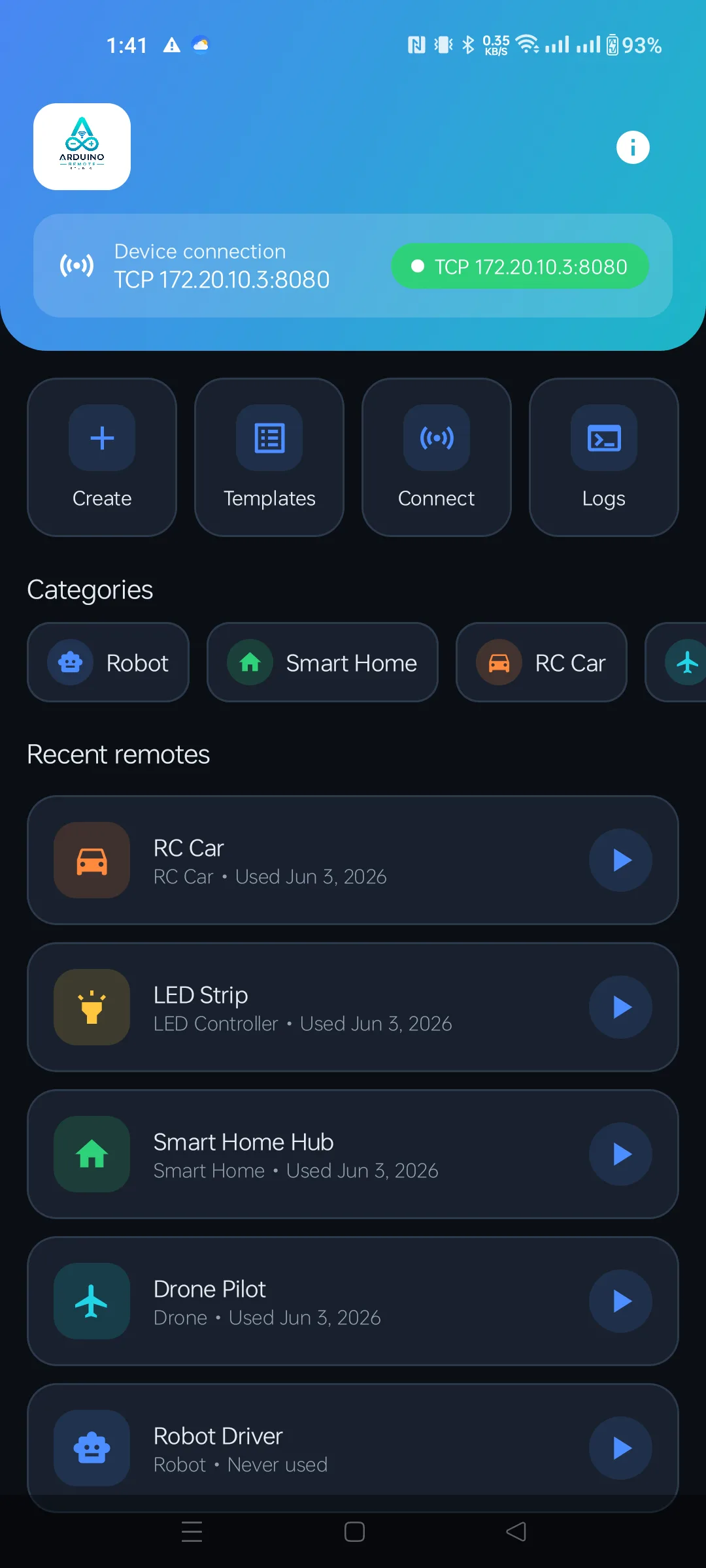
Build a remote in minutes
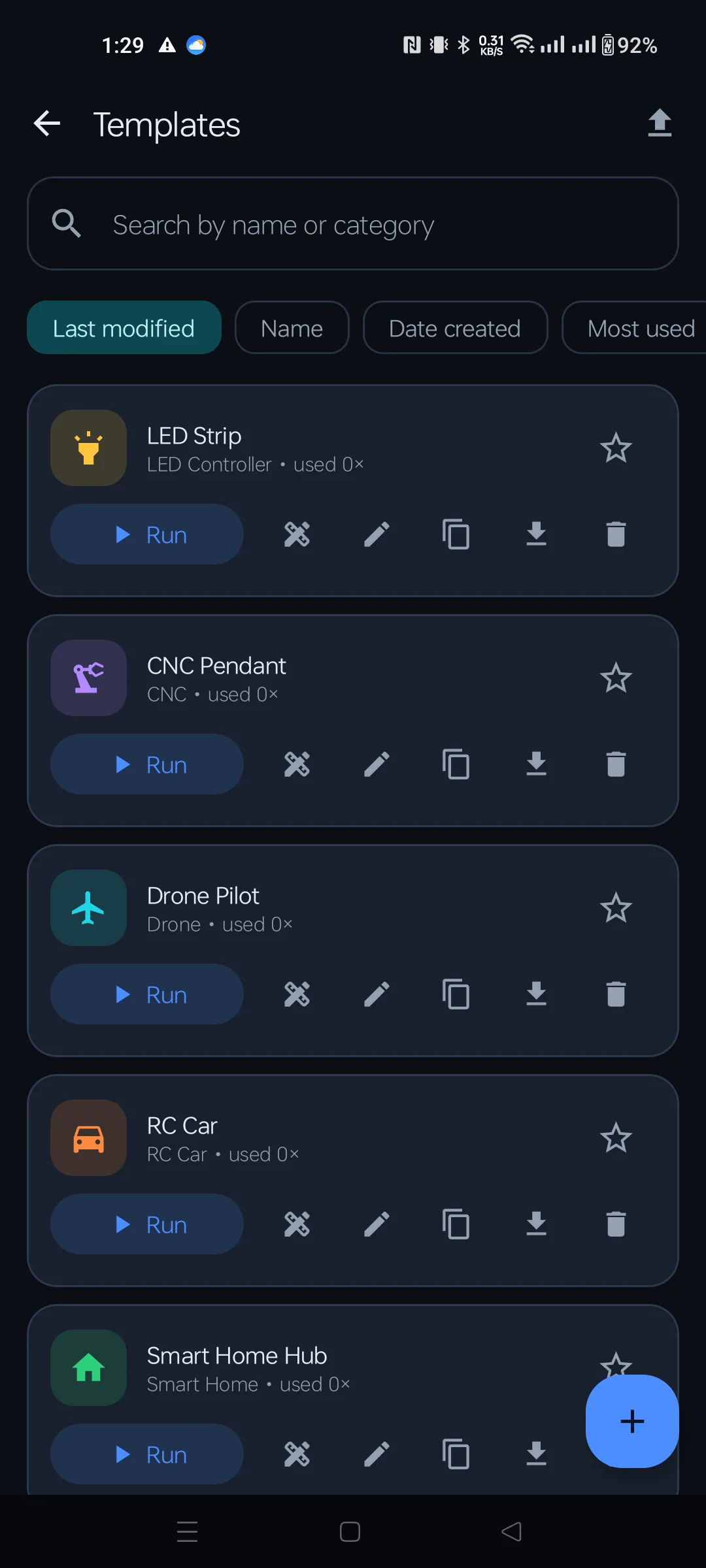
Drive over Bluetooth or WiFi
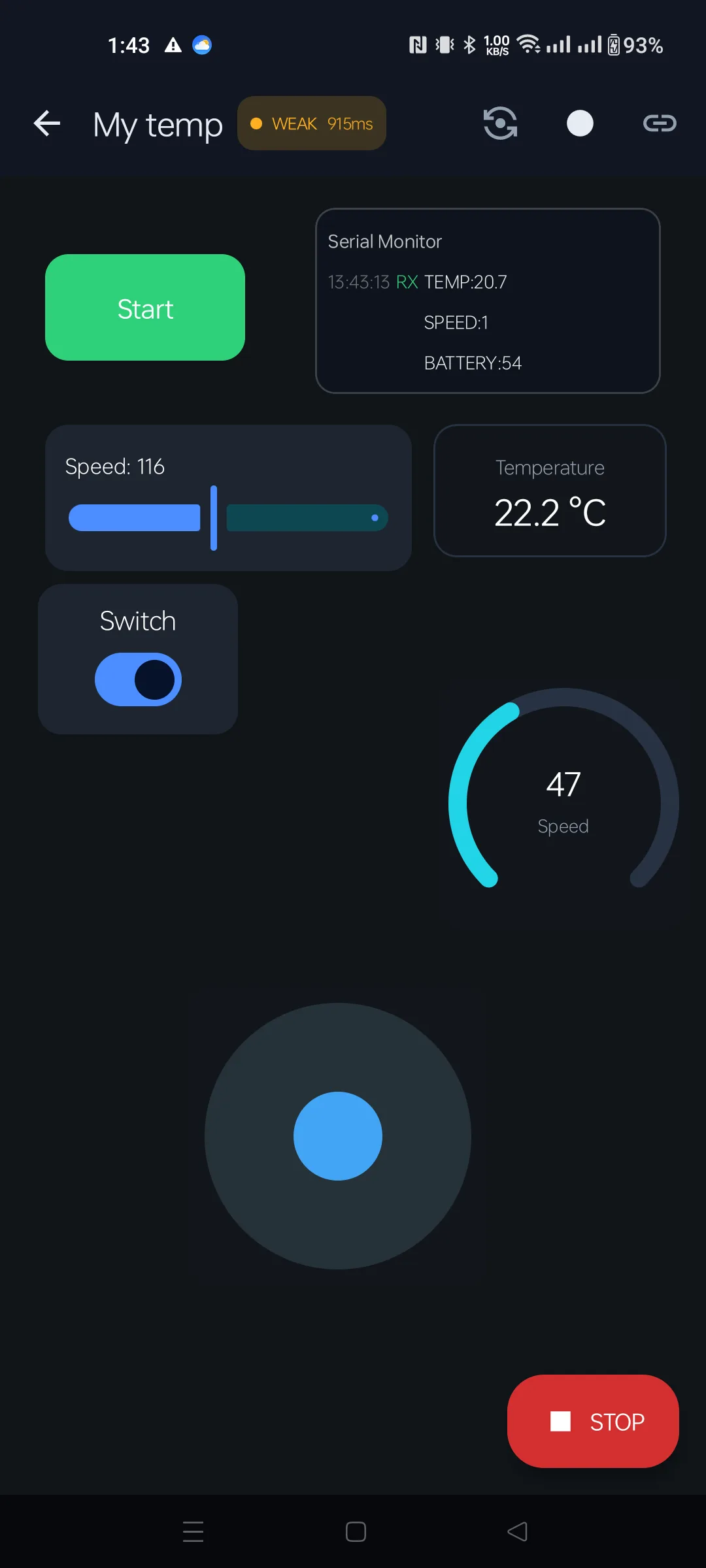
Drag. Drop. Done.
Open a template, connect to your board and drive. Need a different layout? Open the designer and build your own.
Launch the app and open the bundled "Robot Driver" template — no setup screens to clear.
Pick your HC-05 over Bluetooth or enter the IP of your ESP32 over WiFi. Scan a QR to auto-fill.
Move the joystick, tap buttons, slide sliders. Live gauges update from your device in real time.
Open the designer, drop a widget on the canvas, type the command it should send. That's it.
The core is free with no ads, ever. Premium is a single one-time purchase — no subscription — that unlocks every widget, template and power feature.
Purchases are processed by Google Play. Bought Premium on another device? Use Restore purchases on the Premium screen. Full feature walkthrough in the user manual.
Instead of a dozen fixed "Arduino Bluetooth Controller" clones, build exactly the layout your robot, drone or LED strip needs — and change it any time.
Arduino UNO, Nano, Mega, Leonardo, ESP32, ESP8266, NodeMCU, Raspberry Pi, HC-05, HC-06, Bluefruit and any TCP/UDP device.
No login. No tracking. No ads. Your templates and connection profiles stay on your phone unless you choose to export them.
Teachers running STEM workshops get a fast UI without writing apps — students learning embedded systems can build a working controller in one session.
No. Drag a widget onto the canvas, type the command it should send and you're done — no Android Studio, no XML, no keyboard. Your Arduino sketch just reads the strings the app sends.
Arduino UNO, Nano, Mega and Leonardo with an HC-05/HC-06; ESP32 over Bluetooth Classic or WiFi; ESP8266, NodeMCU and Raspberry Pi over TCP; plus Bluefruit and any device exposing a serial-over-BT or TCP socket.
Your device sends back lines like BATT:82 or TEMP:24.6. Bind a gauge, value display, slider or label to that key and it updates in real time.
Yes. Every template includes a tappable Emergency Stop, a failsafe command that auto-fires if Bluetooth drops mid-drive, and an optional confirm dialog on destructive controls.
Your designs live on your device and connecting to your own hardware is entirely local — there's no login, no tracking and no ads. The only call the app makes on its own is a version check on launch (sending app version and basic device info) so it can tell you when an update is required. Full details are in our Privacy Policy.
Yes. Export any remote as a .json file and share it over WhatsApp, email or Drive. Your friend imports it and has the same controller in seconds.
Download Arduino Remote Studio and turn your phone into a Bluetooth and WiFi remote for anything you build.
Get it on Google Play